
Your library
for the web
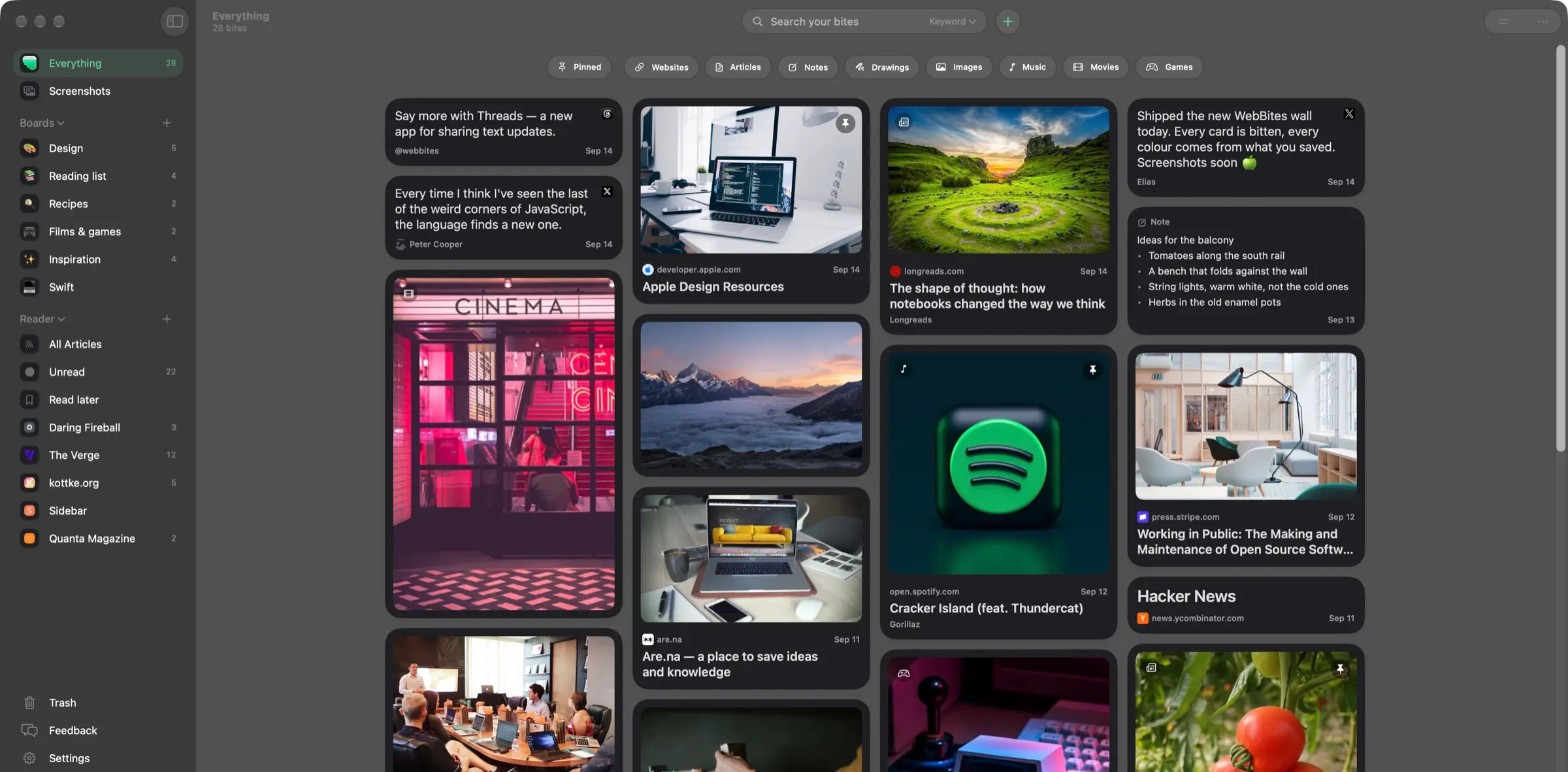
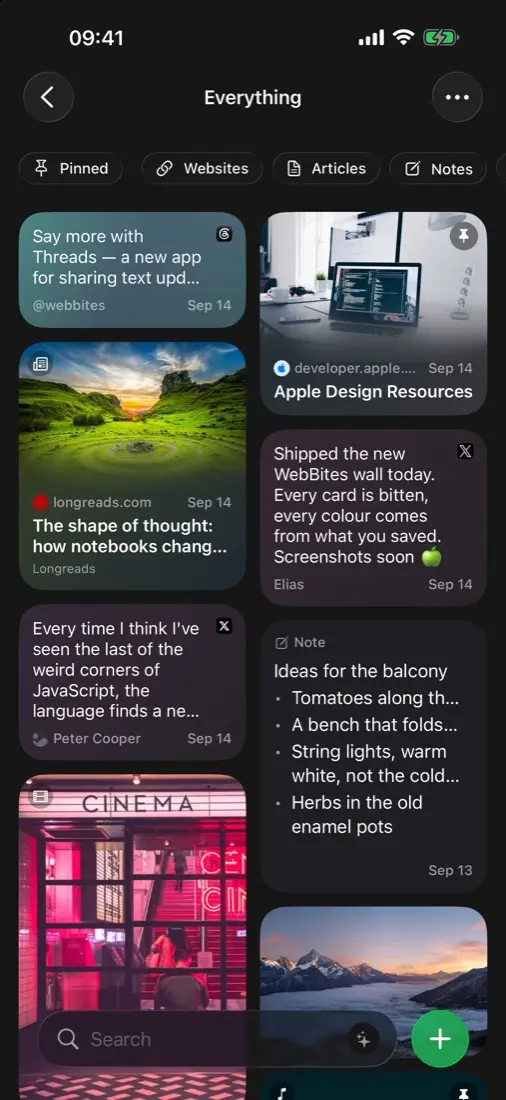
Save anything you find, follow the sites you love, and find it all again. WebBites organises it for you.


Everything you save,
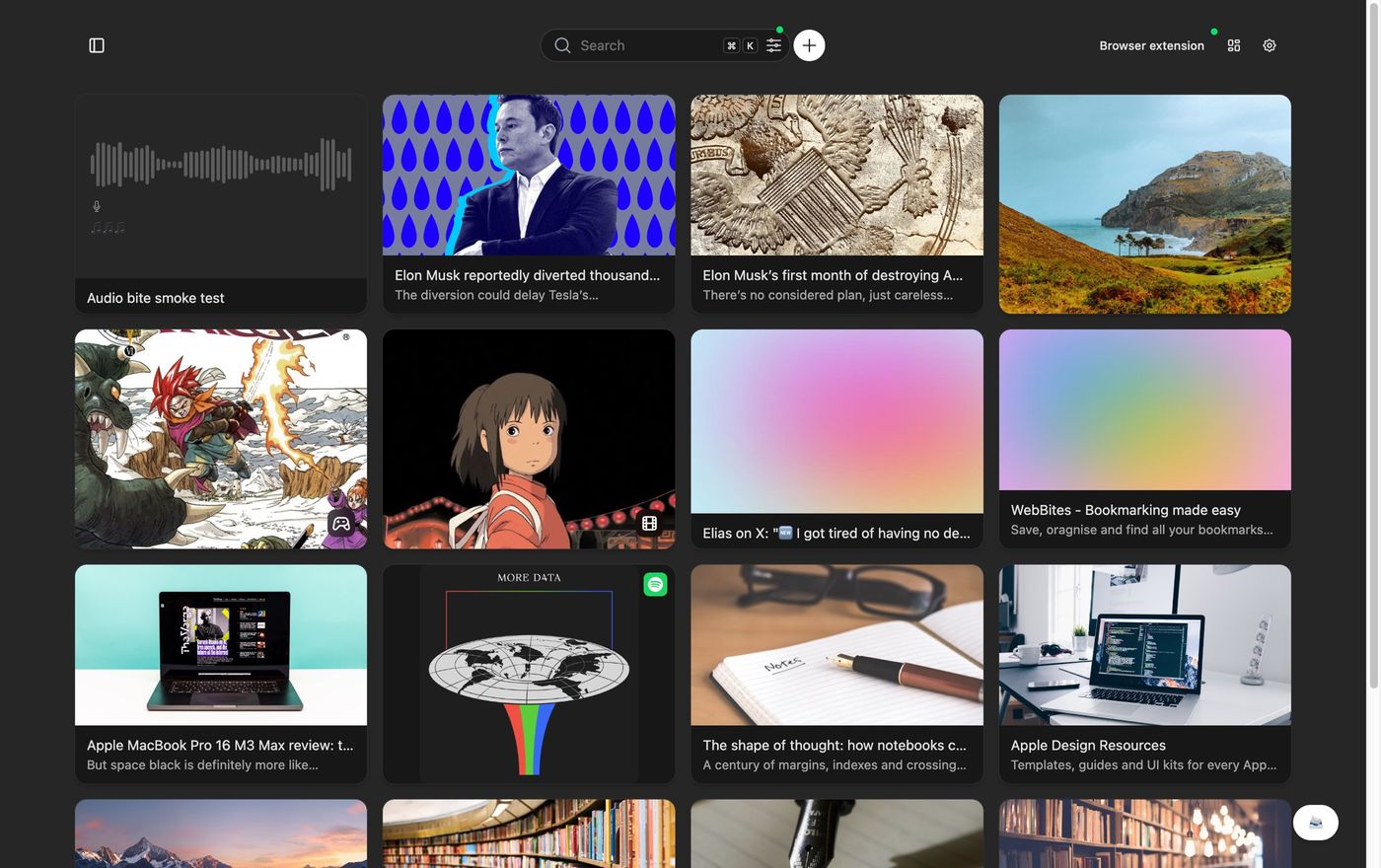
in one place
✨
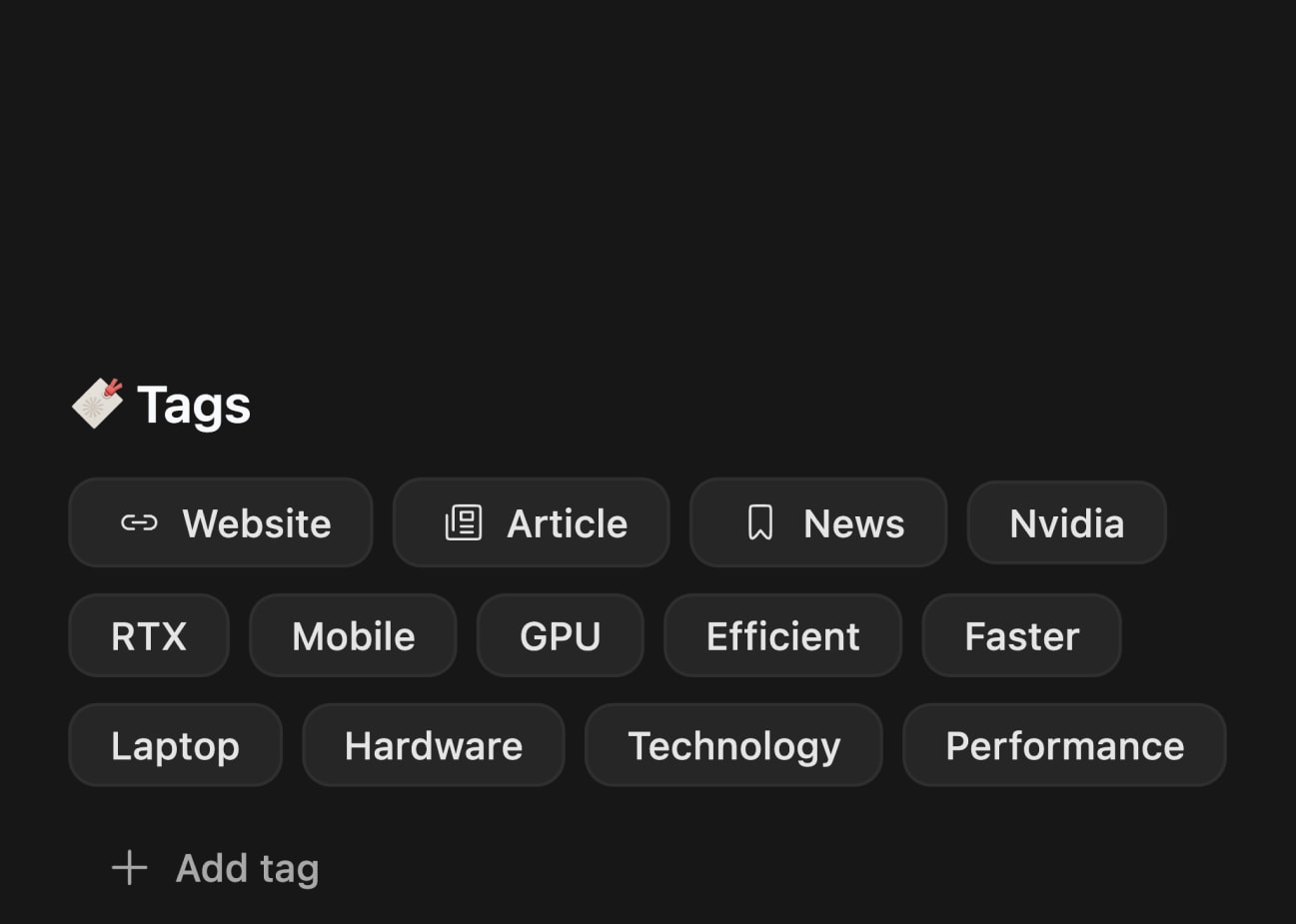
Organised for you
Every bookmark is tagged and sorted as you save it. No folders to keep tidy.
🔍
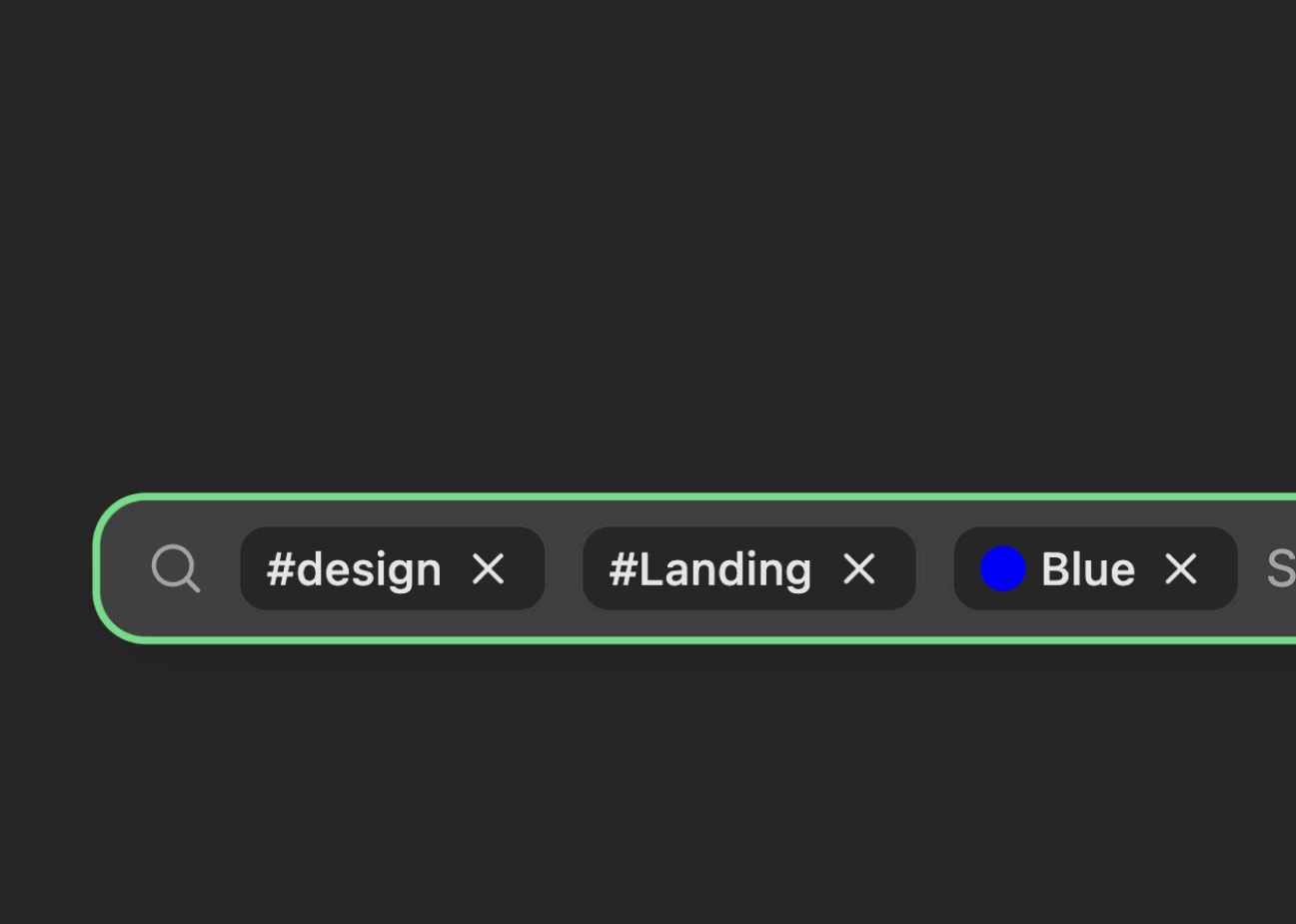
Find it again
Search the words on the page, tags, notes, text inside images, even colour.
📖
Kept for good
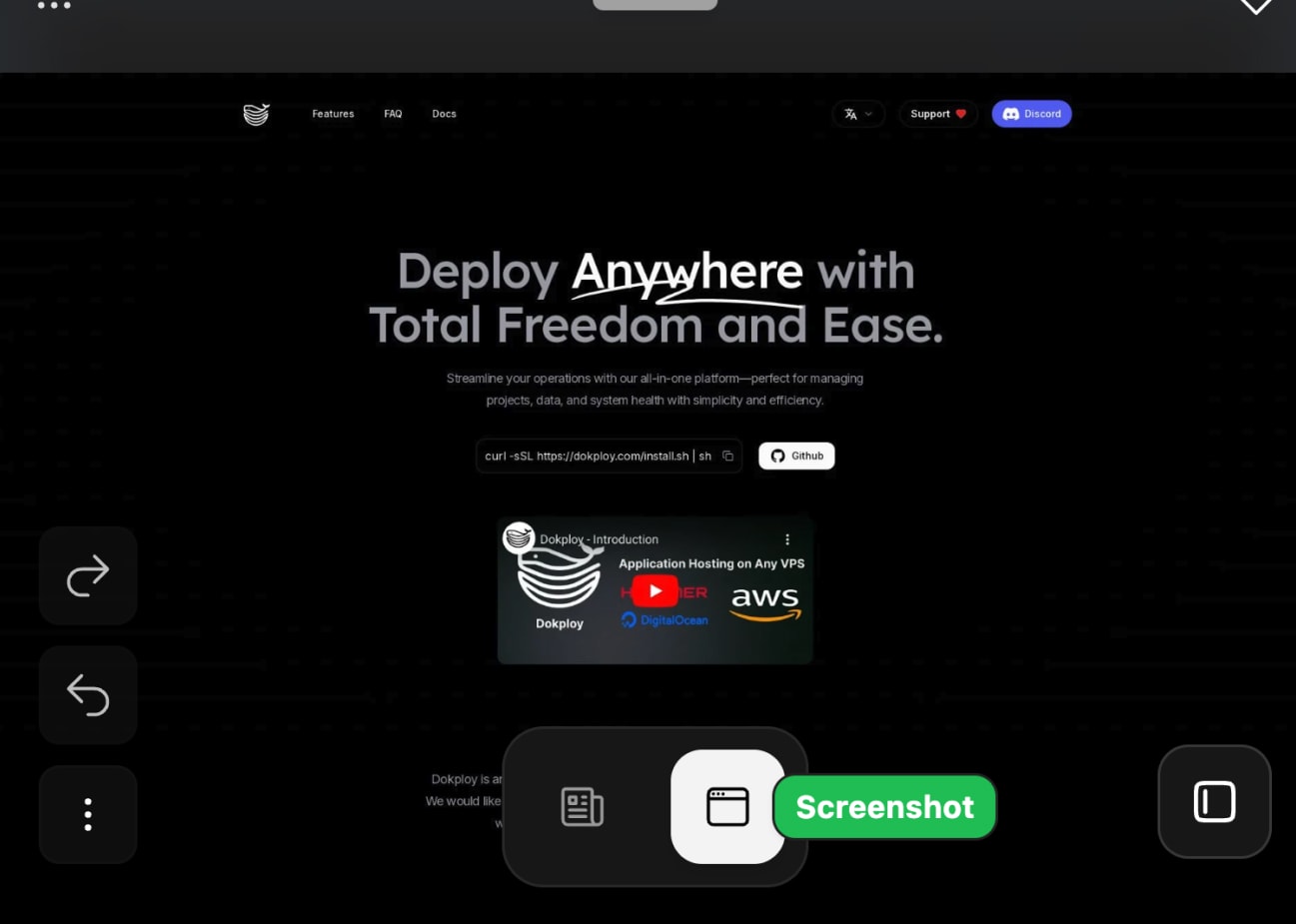
A full-page screenshot and a readable copy of every page, in case the original changes or disappears.
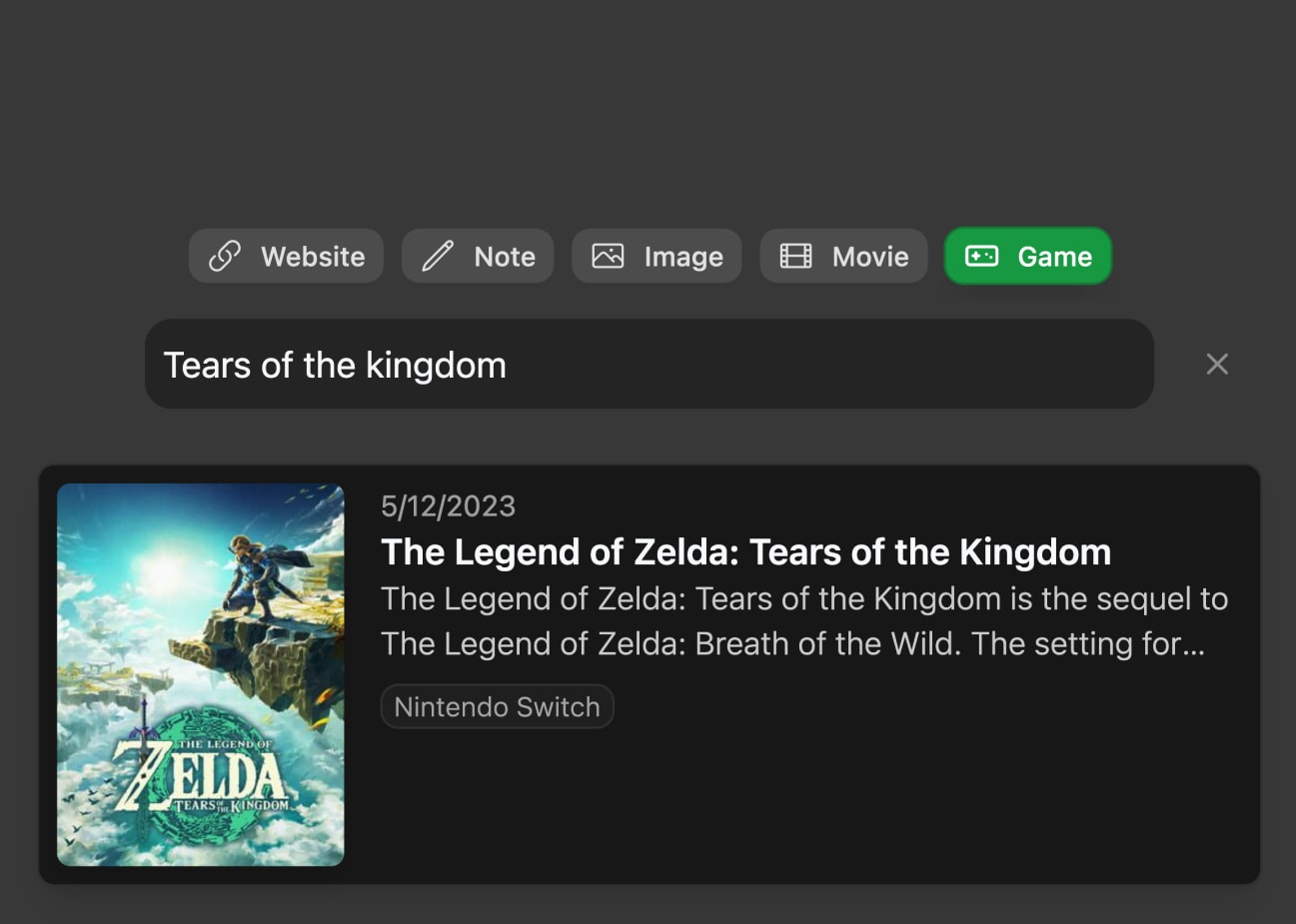
📝 🎬 👾 🌌
Save anything
Articles, images, videos, films, games and notes, side by side in one library.
Follow the sites you love
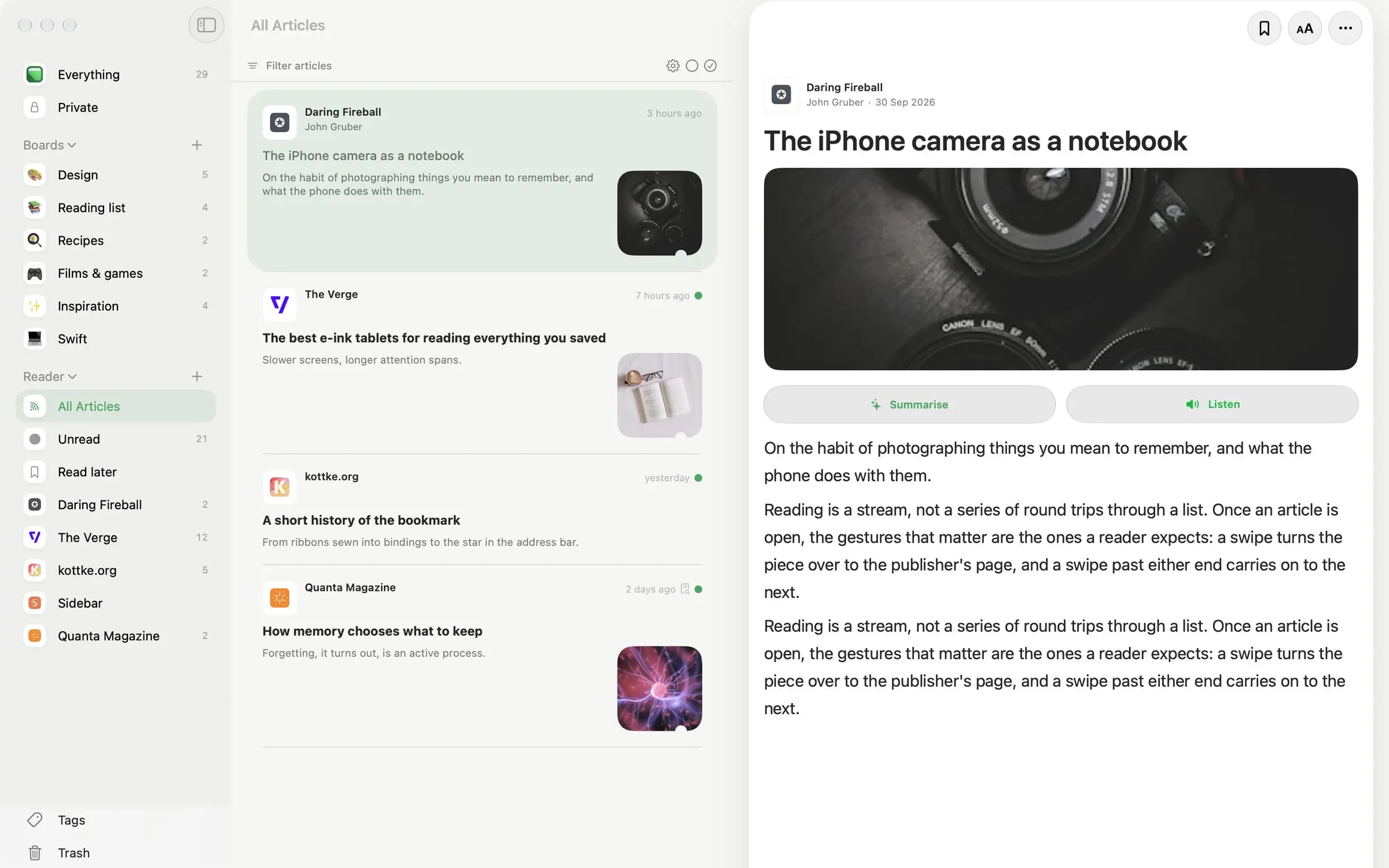
A built-in reader for blogs, news and newsletters, with no algorithm. Read, listen to or summarise each article, and save the best to your library.
iPhone, iPad, Mac and any browser
Native apps for iPhone, iPad and Mac, each with a share sheet and Safari extension, and the full web app everywhere else. Sign in with your WebBites account and your library is already there.
Pricing
Device library
$14.99/year · or $99.99 onceApple devices only. No account.
As many bookmarks as you like
Websites, images, notes, drawings and more
Search titles, tags and page text
Reading mode
Nothing leaves this device
Bought inside the iOS and macOS app. App Store prices vary by region.
App Store
Where your library lives
A WebBites account syncs everywhere. A device library stays on your iPhone, iPad or Mac, with no account at all. The two are separate: a device library never shows up on the web or in an account, and purchases don't carry over between them.
- WebBites account: if you use the web or Chrome, or want feeds, AI tags and summaries.
- Device library: if you only use Apple devices and want nothing on anyone's server.
Prefer to run it yourself?
WebBites is open source. Run the same app on your own server with Docker Compose: your database, your AI endpoint, no plans and no limits.
- Starts with one command, with HTTPS on your own domain.
- No telemetry. Nothing leaves your server unless you point it somewhere.
- Free software under the AGPL-3.0.
git clone https://github.com/elrumo/webbites_public.git webbites
cd webbites/deploy
./install.sh
docker compose pull
docker compose up -d
More features
AI Organisation
Automatically categorise and tag your bookmarks using advanced AI.
Cross-Platform Sync
iPhone, iPad, Mac and the web, all showing the same library once you sign in.
Reader mode
Articles will automatically be formatted for better reading experience, even those behind paywalls!
Raycast ready
With our Raycast extension, all your bookmarks are just one keystroke away!

Save from your browser
One click with the Chrome extension, or the Safari extension that comes with the Mac and iPhone apps.

Extract colors
The main colors of all your bookmarks are extracted for you, making it possible to search by color!
Text to speech
Listen to anything you've saved, or any article from your feeds.
Kept for good
A full-page screenshot and a readable copy of every page, in case the original changes or disappears.
Annotate screenshots
Click anywhere on the screenshot to add an annotation.
OCR
Optical Character Recognition (OCR) will be applied to all images saved, making it possible to search them by text.
Pin your bookmarks
Pin your bookmarks to the top of your list for easy access.
Multilingual
Support for multiple languages.
Roadmap
View Full RoadmapCurrently working on:
Working on next:
Plus many more!
More features are always being added, check out the feedback board to see what's coming next!
An API for everything you save
Everything WebBites does, it does over HTTP. Save a link, search your library, get a webhook the moment the AI has finished with it.
- Plain REST — An OpenAPI schema and a browser playground to try every call before you write any code.
- Webhooks — Point a URL at WebBites and it POSTs the finished bookmark — screenshot, summary and tags — signed so you can verify it.
- Your keys, your limits — Create keys, see what each one has spent, and read the rate limit off every response header.
curl -X POST https://api.webbites.io/v1/api/bookmarks \
  -H "Authorization: Bearer $WEBBITES_KEY" \
  -d url=https://example.com/article \
  -d tags=reading,ai

# { "id": "abc123", "status": "processing" }
Join the Future of Bookmarking
Be among the first to experience WebBites and help shape its future!